What's New at Freeframe: October 2026
October in one place. The catalog grew from 6 to 80 templates, every stack got docs, and the site added a blog, use-case pages and update emails.

By Paul Peery
· 6 min read
October was Freeframe's first full month, and the catalog grew from six HTML templates on October 3 to 80 by October 27. Along the way the site added Astro, WordPress and more Next.js versions, full documentation for every template, a blog, pages that sort templates by kind of business, and opt-in emails when a template you downloaded is updated. Here is the month by theme. The changelog has every release in detail.
New templates#
The newest three arrived on October 27 and took the catalog to 80:
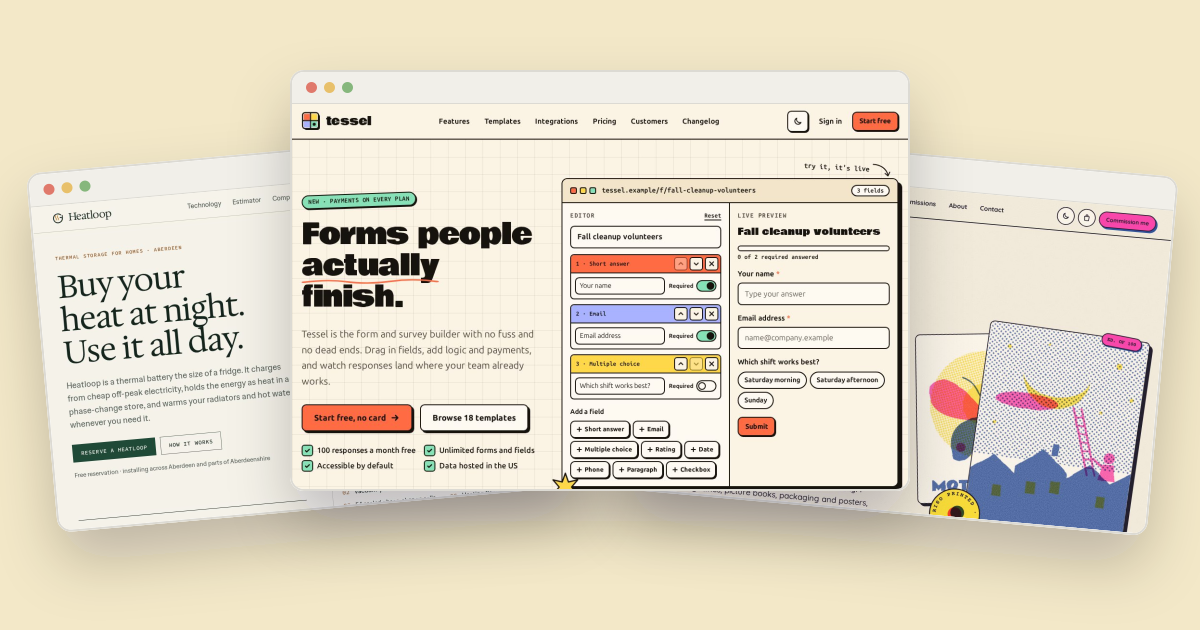
- Tessel is a bold, neo-brutalist site for a form and survey builder, with a live form builder on the home page, a conditional-logic demo, a searchable template gallery, an integrations directory and usage-based pricing.
- Heatloop is an editorial site for a climate-tech startup, with a product cutaway, a charge and discharge chart, a savings and carbon estimator, a three-step reservation and a careers page with saved roles.
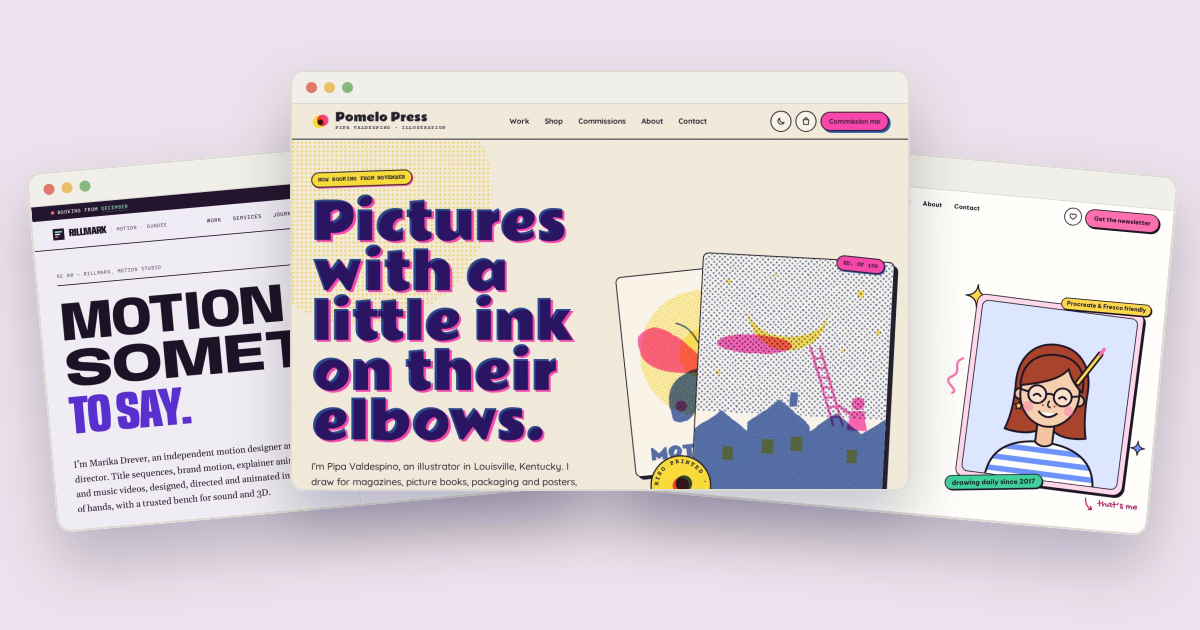
- Overprint is a risograph-style portfolio for an illustrator, with work filtered by type, case studies with switchable ink plates, a print shop with a cart and checkout, and a commission estimator.
Before them came batches of three to six templates every few days. A few from the second half of the month:
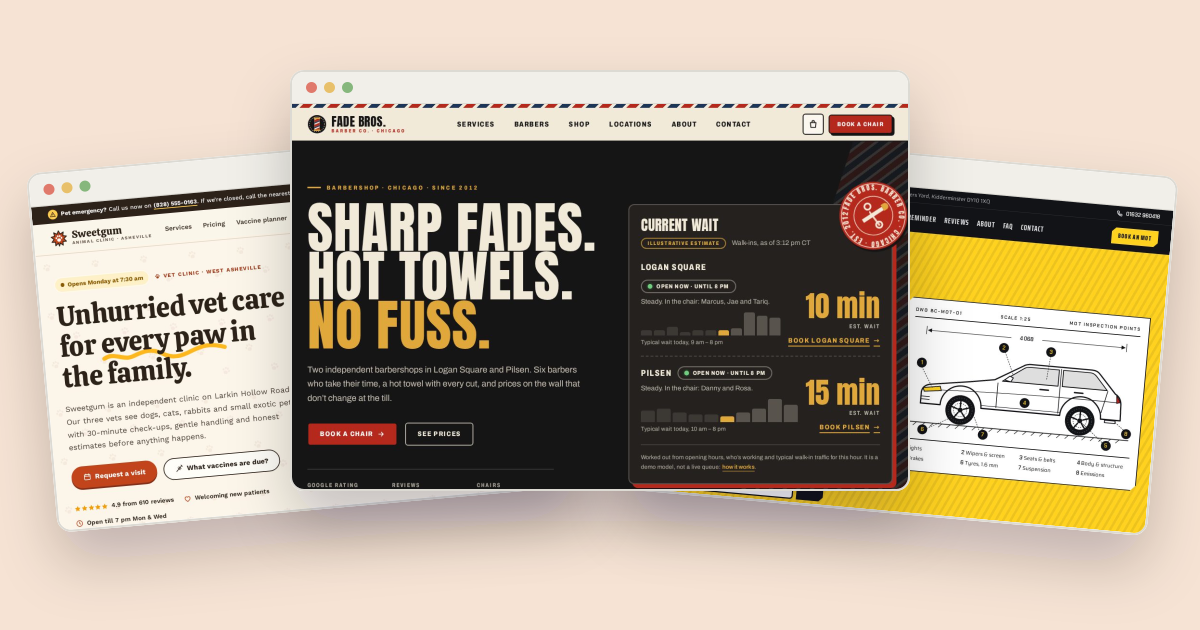
- Local businesses: Brew (a brewery and taproom with a live on-tap board), Matinee (a single-screen cinema with seat-map booking), Canopy (a lakeside campground with a site map and seasonal rates), Spine (an independent bookshop) and Mend (a physiotherapy clinic with a clickable body map).
- Software and apps: Latchline (customer onboarding), Tracewick (observability) and Weftiq (workflow automation).
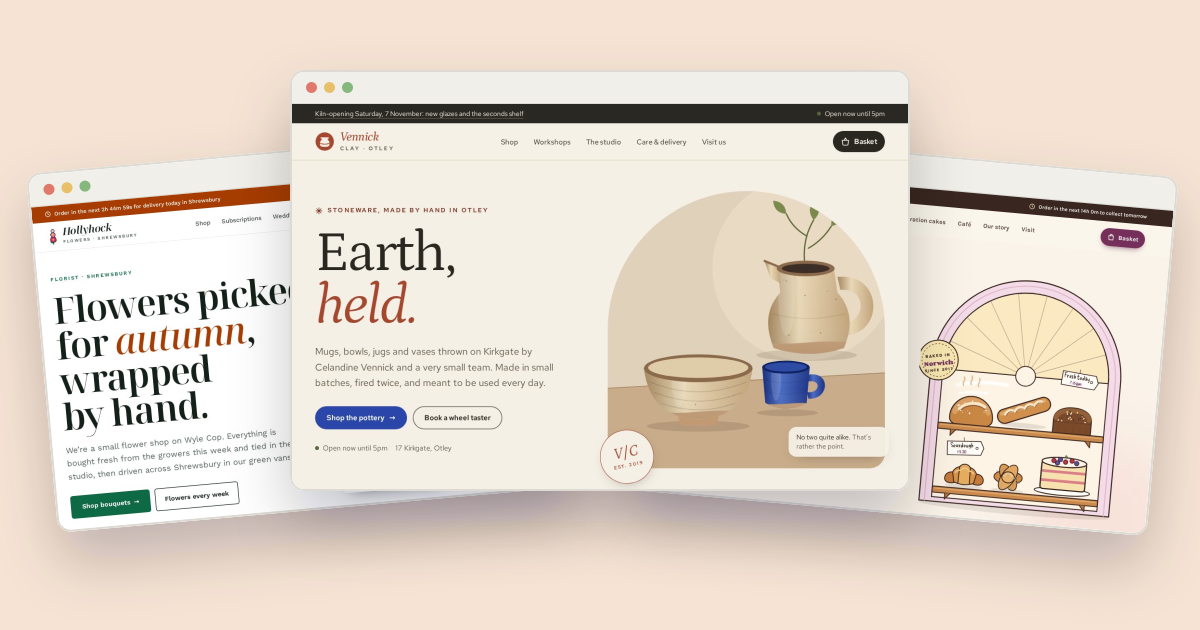
- Studios and makers: Rillmark (a motion designer's studio with a live showreel), Glaze (a pottery studio and shop), Frond (a houseplant shop with a plant finder) and Quoin (an architectural salvage yard).
Each new template has its own artwork, Google Fonts pairing, customization guide, social image and gallery thumbnail.
Four stacks, and how new templates ship#
Early in the month the existing templates were ported to every stack. Astro versions of all 22 templates arrived on October 7, WordPress block themes on October 8, and Next.js versions of the last ten on October 9, so every template at that point came in HTML, Next.js, Astro and WordPress. WordPress templates can be opened in WordPress Playground, a complete WordPress site that runs in your browser, before you download anything.
From mid-October, new templates ship in HTML and Tailwind CSS first, and are ported to Next.js, Astro or WordPress when people ask. A template page that's missing a stack shows a short "Request it" link that opens the requests page with the form filled in.
Documentation for every template#
Every template now has a full guide covering setup, structure, customizing, each interactive feature, connecting forms to a backend, saved data, SEO, accessibility and deploying. You'll find it at /templates/<slug>/docs, with a tab per stack, and in the download. The docs section adds general guides (getting started, choosing a stack, forms, deploying and more) with search across the guides and every template's documentation.
Finding the right template#
- Use-case pages list templates for a kind of business, such as restaurants, portfolios, SaaS, dentists, gyms, salons, lawyers, weddings, nonprofits and churches, each with a short guide to what that kind of site needs. Find them under "Templates by use case" on the templates page.
- Stack and category pages explain what you get in each stack or kind of site, like the WordPress page.
- Sort by date: the templates page can sort by Newest or Recently updated, and each card then shows when it was added or last updated.
Accounts, downloads and email#
- Downloading a template needs a free account with a confirmed email address. Previews, live demos and docs stay open to everyone, and after signing in you go straight back to your download.
- You can sign in with a password, GitHub, Google or a one-time link sent by email.
- Update emails: turn them on in Account → Settings or from your Downloads page, and you'll get one email listing every template you downloaded that has a new version. They're off unless you choose them.
- The newsletter has a double opt-in sign-up in the footer, and a box on the sign-up form, unticked by default, so one confirmation email covers both.
Premium templates and All-Access#
Most templates are free under the MIT license. The site can now also sell premium templates with a commercial license: they carry a Premium badge, the templates page gets a Free / Premium filter, and each buyer's download includes a license made out to them. The All-Access bundle covers every premium template, including ones priced later, for one price once it goes on sale. The license page explains both licenses in plain English.
The blog#
The blog launched on October 13 with eight how-to guides and had a new post almost every day after that, on what was relevant that day: new releases of the tools the templates use, search and browser changes, and seasonal jobs for small-business sites. Posts are re-checked every month, and versions, prices, limits and links that have changed are corrected.
At the end of the month the blog got a redesign: cover images, the newest post up top, pages for each category and topic, search, and author pages. It also moved to three posts a week, on Mondays, Wednesdays and Fridays, with room for new kinds of posts: a monthly roundup like this one, and stories about how a template was designed, starting with Overprint. The RSS feed has every post.
Privacy, analytics and ads#
The privacy page says exactly what the site stores. Page-view counts come from the site's own cookieless analytics, which skip browsers that send Do Not Track or Global Privacy Control. Google Analytics can also run on public pages; in the UK, the EU and Switzerland it stores nothing until a visitor agrees, and it never runs on account, admin or sign-in pages. Some pages, such as the blog and docs, may show ads or affiliate banners; banners are labeled "Sponsored", and ads never appear in live demos or on account and sign-in pages.
Fixes across the catalog#
- Forms finish properly. Forms in more than fifty older templates used to say "this is a demo, nothing has been sent". They now end with a confirmation, a reference code and what happens next, in every stack.
- Demos don't go stale. Conferences, festivals, weddings, album releases, terms and "Now booking" dates roll forward from today, and copyright years are set in the browser.
- Demos work in the preview. Carts, bookings and saved items now fall back to in-memory storage when the sandboxed live demo blocks browser storage.
- Fictional details stay fictional. Template emails and websites use the reserved
.exampledomain, phone numbers come from ranges set aside for fiction, and no two templates share a business name or home city. - Accessibility: in 43 templates, links and buttons now have spoken names that include their visible text, and the site itself got labeled landmarks, keyboard-scrollable code examples and clearer focus rings.
- Security: the site and every Next.js template moved to Next.js 16.4.1 for two critical vulnerabilities, with a patch release of each template.
What's next#
Want a template ported to Next.js, Astro or WordPress, or an idea for a new one? Add it on the requests page. For every October change, release by release, see the changelog.

About the author
Paul Peery
Founder of Freeframe
Paul Peery runs Freeframe, which publishes complete multi-page website templates in HTML, Next.js, Astro and WordPress, and writes about getting small websites built, launched and kept up to date.