How to Block AI Training in Your Site's robots.txt
Google, Bing and Anthropic now back one robots.txt line that opts a site out of AI training. What it does, when it applies and the rules to add today.

By Paul Peery
· 7 min read
To ask AI companies not to train their models on your website, add a group for the new shared token
__usage_ai-training to your robots.txt, and keep the company-specific lines (Google-Extended, GPTBot,
Applebot-Extended) next to it until every provider reads the new one. None of these rules removes you from
Google or Bing search results. The change takes about ten minutes on any site, and the full file is below.
What changed last week#
On October 30, 2026, three things landed on the same day:
- A shared token. An Internet-Draft called
Machine-Readable Training Preference Signal,
written for the IETF's AI Preferences working group, defines a robots.txt "policy token" named
__usage_ai-training. ADisallowunder it says "please don't use these pages for AI training", whoever the AI company is. It's a draft, not a finished standard, so the details can still change. - Google. In a Search Central post,
Google said it plans to support the shared control. Its
crawler documentation
says this is planned for early 2027. Once it does, a site that opts out with the token and doesn't name
Google-Extendedwill be treated as if it had disallowedGoogle-Extended. - Microsoft Bing. Bing announced
that it will honor the same token while it crawls from February 1, 2027, and that its old signals
(
noarchiveandnocache) stop counting as an AI preference after March 1, 2027.
Anthropic also updated its crawler page to say it began recognizing the signal on October 30, 2026 and is rolling it out across its services over time.
If you run a small-business website and don't want your writing, photos or prices used to train AI models, this is the simplest way to say so to several companies at once. If you're happy for your content to be used, you don't need to do anything: the draft says that without a group naming the token, no preference is expressed, and Bing says training is allowed by default.
What robots.txt can and can't do#
robots.txt is a plain text file at the root of your domain, for example
https://www.yourbusiness.example/robots.txt. Google's guide to
creating one says it
must sit at the root of the host it applies to, be named exactly robots.txt, and be plain UTF-8 text.
Two limits are worth knowing before you start:
- It's a request, not a lock. Google's robots.txt introduction says the file "cannot enforce crawler behavior to your site; it's up to the crawler to obey them." Reputable companies follow it; others might not.
- The training token isn't a crawling rule. The draft calls it a usage preference. A
Disallowunder__usage_ai-trainingdoesn't stop anyone from visiting your pages, including search engines. It says what you'd like them not to do with the content. AndUser-agent: *doesn't count: the draft says a preference is only expressed by a group that names the token.
The rules to add#
Here is a complete robots.txt for a site that wants to stay in every search engine but opt out of AI
training:
User-agent: *
Allow: /

# Shared AI training preference (IETF draft)
User-agent: __usage_ai-training
Disallow: /

# Company-specific training controls
User-agent: Google-Extended
Disallow: /

User-agent: GPTBot
Disallow: /

User-agent: ClaudeBot
Disallow: /

User-agent: Applebot-Extended
Disallow: /

Sitemap: https://www.yourbusiness.example/sitemap.xml
What each group does, according to each company's own documentation at the time of writing:
| Line | Who reads it | What disallowing it does |
|---|---|---|
__usage_ai-training |
Anthropic now; Google in early 2027; Bing from Feb 1, 2027 | Asks every participating provider not to train on the matched pages |
Google-Extended |
Keeps content out of training future Gemini models and out of grounding in Gemini Apps and Vertex AI. Google says it doesn't affect inclusion or ranking in Google Search | |
GPTBot |
OpenAI | OpenAI's crawler page says it indicates the content "should not be used in training generative AI foundation models" |
ClaudeBot |
Anthropic | Blocks Anthropic's training crawler. Anthropic says a rule naming ClaudeBot wins over the general signal |
Applebot-Extended |
Apple | Apple's Applebot page says it opts content out of training Apple's foundation models and isn't considered in search ranking |
Why keep the company lines if the shared token exists? Because Google and Bing don't read it yet, and OpenAI's crawler page doesn't mention it. The named lines work today, and when a provider starts reading the token, a matching rule under both says the same thing.
Keep some pages open#
The draft follows normal robots.txt matching, where the longest matching path wins. So you can opt out everywhere except, say, a press page you'd like AI tools to learn from:
User-agent: __usage_ai-training
Disallow: /
Allow: /press/
Add the same Allow line to each company group if you want them to match.
What not to block by mistake#
Some AI user agents aren't about training at all, and blocking them can cost you visitors:
OAI-SearchBotdecides whether your pages show up in ChatGPT's search answers. OpenAI's page says sites that opt out "will not be shown in ChatGPT search answers."Claude-SearchBotandClaude-Userfetch pages for Claude's search and for people who ask Claude about a page.Googlebot,BingbotandApplebotare the search crawlers. Never disallow them for an AI opt-out.
Bing also separates training from grounding, which means using your page to write an AI answer. Its grounding controls are page-level meta tags, not robots.txt lines, and its post notes that turning grounding off reduces how often your brand appears in AI answers. Most small businesses want to be quoted there, so the file above leaves grounding alone. To see how often Google's AI features already show your pages, see how to read your AI Overviews data in Search Console.
How to add it in each stack#
HTML (Netlify, Vercel, Cloudflare, GitHub Pages)#
Create a file named robots.txt next to index.html in your site's root folder, paste the rules, and deploy.
Every static host serves it as-is. If you already have one with a Sitemap: line, as the
SEO docs suggest, add the new groups above that line.
Next.js#
If you use a static app/robots.txt, paste the rules into it. If you generate the file with app/robots.ts,
the Next.js robots reference
shows that rules can be an array with one entry per user agent, and userAgent can be a list:
import type { MetadataRoute } from "next";

export default function robots(): MetadataRoute.Robots {
  return {
    rules: [
      { userAgent: "*", allow: "/" },
      {
        userAgent: [
          "__usage_ai-training",
          "Google-Extended",
          "GPTBot",
          "ClaudeBot",
          "Applebot-Extended",
        ],
        disallow: "/",
      },
    ],
    sitemap: "https://www.yourbusiness.example/sitemap.xml",
  };
}
Next.js writes a separate group for each user agent in the list, so the output matches the file above.
Astro#
Put robots.txt in the project's public/ folder. The
Astro project structure guide says files there are
"copied into the build folder untouched", and names robots.txt as one of them.
WordPress#
WordPress generates a robots.txt for you. The
do_robots reference shows the default
(a User-agent: * group that keeps crawlers out of the admin area) and that the output passes through the
robots_txt filter, which is what robots.txt editors in SEO plugins hook into. If your SEO plugin has such an
editor, paste the AI groups there, below the existing User-agent: * group, and leave WordPress's own admin
rules in place. Without a plugin, you can upload a real robots.txt file to the site's root folder with your
host's file manager; copy the default admin lines into it first.
Check that it worked#
- Open the file in a private window. Go to
https://www.yourbusiness.example/robots.txtand check that every group is there, spelled exactly. The token is__usage_ai-training, with two underscores at the start. - Check it in Search Console. The robots.txt report under Settings shows when Google last fetched your file and any parsing errors. After a big change, open the menu next to the file and choose Request a recrawl.
- Make sure search still works. The
User-agent: *group must not sayDisallow: /. Your pages should keep showing up in Google; if they drop out, a search crawler has been blocked by mistake. - Put a reminder in your calendar for February 2027. That's when Bing starts reading the token, and Google expects to support it early in the year. Both may publish final syntax by then, and the draft itself can change before it becomes a standard.
Templates this fits#
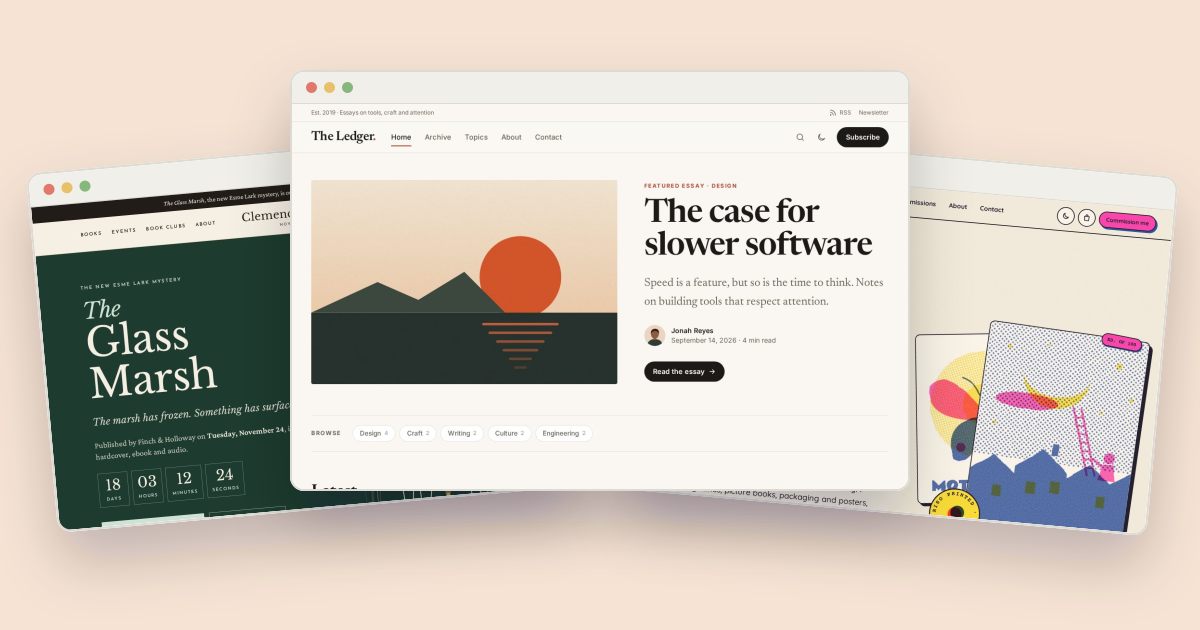
Writers, illustrators and photographers have the most original work on their sites. The Ledger magazine, the Chapter author site and the Overprint illustration portfolio are all built as static sites, so adding the file is the HTML or Astro step above: one new file in the root folder, then a redeploy.

About the author
Paul Peery
Founder of Freeframe
Paul Peery runs Freeframe, which publishes complete multi-page website templates in HTML, Next.js, Astro and WordPress, and writes about getting small websites built, launched and kept up to date.