How to Host a Static Website for Free (4 Ways)
Put a static site online free with Netlify, Vercel, Cloudflare Pages or GitHub Pages. Step-by-step setup, what each free tier allows and how to choose.
· 8 min read
If your website is a folder of HTML, CSS, JavaScript and images, you can host it for free on a fast global network, with HTTPS and your own domain. The four best-known options are Netlify, Vercel, Cloudflare Pages and GitHub Pages. Each takes five to fifteen minutes the first time. This guide explains what "static" means, walks through the setup for each host, and compares what their free plans actually allow so you can pick the right one.
What counts as a static website?#
A static website is made of files that are sent to the browser exactly as they are stored. There's no server code running when someone visits and no database behind it. The pages can still be interactive: menus, filters, sliders and form validation run as JavaScript in the visitor's browser.
These are static:
- A plain HTML site, such as the HTML + Tailwind CSS version of any Freeframe template
- A Next.js site built with
output: "export", which writes plain files toout/ - An Astro site built in its default static mode, which writes to
dist/ - Sites from other generators such as Hugo, Eleventy or Jekyll
These are not static, and need a different kind of hosting:
- WordPress, which runs PHP and a MySQL database
- A Next.js app using Server Actions, API routes or server rendering (Vercel and Netlify can run these, but that's beyond a static site)
Because a static host only stores files and sends them out from a content delivery network (CDN), it's cheap to run, which is why generous free plans exist. It's also fast and has very little to keep patched.
Before you start#
Have your site's final folder ready:
| Your site | Folder to publish | Build command |
|---|---|---|
| Plain HTML | The folder with index.html in it |
None |
| Next.js (static export) | out |
pnpm build (or npm run build) |
| Astro | dist |
pnpm build (or npm run build) |
Two checks save a lot of confusion later:
index.htmlmust be at the top of the folder you publish, not inside a subfolder.- Links and asset paths should be relative (
assets/css/style.css) or start from the root (/assets/css/style.css). Paths such asC:\Users\...only work on your computer.
Option 1: Netlify#
Netlify is the quickest way to get a folder online, because you can drag and drop it.
Drag and drop#
- Sign up or log in at netlify.com. Logging in first means the site is saved to your account.
- Open app.netlify.com/drop.
- Drag your site folder onto the page.
- Netlify uploads it and gives you a live address ending in
.netlify.app. Change the random name in the project's settings.
To update the site, drag the new version of the folder onto the drop zone on the project's Deploys page.
From GitHub, GitLab or Bitbucket#
- Push your site to a Git repository.
- In Netlify, choose Add new project, then Import an existing project, and pick the repository.
- Set the build command and publish directory from the table above. For plain HTML, leave the build
command empty and set the publish directory to the folder containing
index.html. - Deploy. From then on, every push to your main branch redeploys the site, and pull requests get preview links.
Netlify's free plan#
At the time of writing, Netlify's Free plan gives you 300 credits a month with a hard limit. A production deploy costs 15 credits, each GB of bandwidth costs 20 and every 10,000 requests cost 2. Previews and failed deploys don't use credits. If you run out, Netlify pauses your sites until credits reset, so it's worth knowing the maths: 10 deploys a month use half the allowance.
Batch your changes into fewer deploys rather than pushing every typo fix separately. Netlify Forms is included on the free plan, which is handy if your site has a contact form.
Option 2: Vercel#
Vercel is made by the team behind Next.js, and it detects most frameworks automatically.
- Push your site to GitHub, GitLab or Bitbucket.
- Sign in at vercel.com and open vercel.com/new.
- Import the repository.
- Vercel picks a framework preset. For plain HTML, choose Other and leave the build command empty. For Next.js and Astro, the detected settings are usually right.
- Select Deploy. Your site appears at an address ending in
.vercel.app, and every push redeploys it.
You can also deploy from the terminal with the Vercel CLI (npx vercel) without using Git at all.
Vercel's free plan#
At the time of writing, the Hobby plan includes 100 GB of Fast Data Transfer a month, up to 100 deployments a day and 50 custom domains per project. If you go over a limit, the feature can be paused for up to 30 days.
The important catch: Hobby is for personal, non-commercial use only. A portfolio, a side project or a wedding site is fine. A business website should go on Vercel's paid plan or one of the other hosts.
Option 3: Cloudflare Pages#
Cloudflare Pages has the most generous free plan for static sites, because it doesn't charge for bandwidth.
Drag and drop (Direct Upload)#
- Create a free Cloudflare account and open the dashboard.
- Go to Workers & Pages, select Create application, then Get started next to Pages, and choose Drag and drop your files.
- Name the project, drag in your site folder and select Deploy site.
- Your site goes live at
<project-name>.pages.dev.
Drag and drop accepts up to 1,000 files of up to 25 MiB each. One thing to decide up front: a project created by direct upload can't be switched to Git later. If you want automatic deploys on every push, start with Git instead.
From GitHub or GitLab#
- In Workers & Pages, create an application, choose Pages and Import an existing Git repository.
- Authorise Cloudflare and pick the repository.
- Set the build command and output directory (for example
pnpm buildanddistfor Astro). For plain HTML, leave the build command empty and set the output directory to the folder withindex.html. - Select Save and Deploy.
Cloudflare Pages' free plan#
At the time of writing, Cloudflare's docs say requests to static assets are "free and unlimited" on both free and paid plans. The free plan limits are 500 builds a month, one build at a time, 20,000 files per site, 25 MiB per file and 100 custom domains per project. There's no non-commercial clause, so a small business site is fine.
Option 4: GitHub Pages#
GitHub Pages is free and simple if your code already lives on GitHub.
- Create a repository and push your site to it, with
index.htmlat the top level (or in a/docsfolder). - Open the repository's Settings, then Pages.
- Under Build and deployment, set the source to Deploy from a branch, choose
mainand the folder (/ (root)or/docs), and select Save. - After a minute or two the site is live at
https://<username>.github.io/<repository>/. If you name the repository<username>.github.io, it's served athttps://<username>.github.io/instead.
Two things to watch:
- Project sites live in a subfolder (
/<repository>/), so links that start with/point to the wrong place. Relative links are fine. For Next.js and Astro, set the base path when you build; the deploying docs show how for Freeframe templates. - Built sites need a workflow. GitHub Pages serves files from the branch as they are. For Next.js or Astro, either commit the built folder or set the source to GitHub Actions and use a workflow that runs the build.
GitHub Pages limits#
At the time of writing, GitHub's limits are a published site of up to 1 GB, a soft bandwidth limit of 100 GB a month and a soft limit of 10 builds an hour. On GitHub Free, the repository must be public. GitHub also says Pages isn't intended to run an online business or e-commerce store, so it suits portfolios, documentation and open source projects best.
Which free host should you choose?#
| Netlify | Vercel | Cloudflare Pages | GitHub Pages | |
|---|---|---|---|---|
| Drag and drop | Yes | No (CLI or Git) | Yes | Upload files on GitHub |
| Git deploys and previews | Yes | Yes | Yes | Yes, no previews |
| Commercial use on free plan | Yes | No | Yes | Not for online businesses |
| Bandwidth | Uses credits | 100 GB/month | Unmetered for static files | Soft 100 GB/month |
| Built-in forms | Yes | No | No | No |
| Custom domain and HTTPS | Yes | Yes | Yes | Yes |
Figures are at the time of writing; check each provider's page above before you rely on them.
A simple way to decide:
- A business or client site: Cloudflare Pages if you want no bandwidth worries, or Netlify if you want built-in forms and the simplest drag and drop.
- A personal site, portfolio or side project in Next.js: Vercel.
- Documentation or an open source project already on GitHub: GitHub Pages.
- Not sure: Netlify drag and drop gets you live fastest. You can move later, because a static site is just a folder.
Troubleshooting#
- 404 on the home page:
index.htmlisn't at the top of the published folder. Check the publish or output directory setting. - The page loads without styles: the CSS path is wrong for the host. Check it in your browser's developer tools (Network tab); on GitHub Pages, it's usually the subfolder issue above.
- Old version still showing: hard-refresh (Ctrl+Shift+R or Cmd+Shift+R) and check the latest deploy finished without errors.
- Build fails on the host but works locally: set the same Node.js version on the host and commit your lockfile.
FAQ#
Is free hosting good enough for a real website?#
For a static site, yes. The free plans use the same global networks as the paid ones. What you pay for later is usually more bandwidth, team features or support, not speed.
Can I use my own domain for free?#
All four let you connect a custom domain with free HTTPS on the free plan. You only pay for the domain itself. See how to connect a custom domain.
Can a static site have a contact form?#
Yes, with a form service or Netlify Forms. See how to add a contact form to a static website.
Next steps#
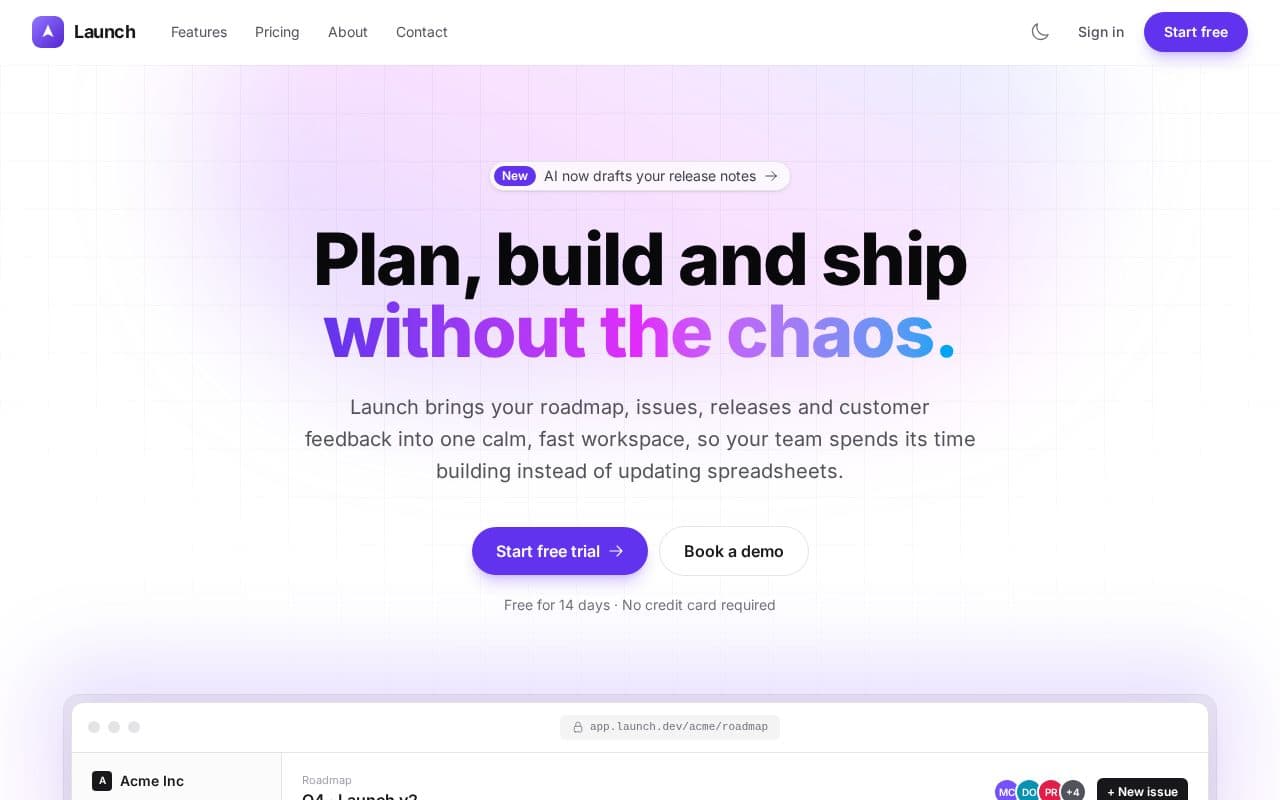
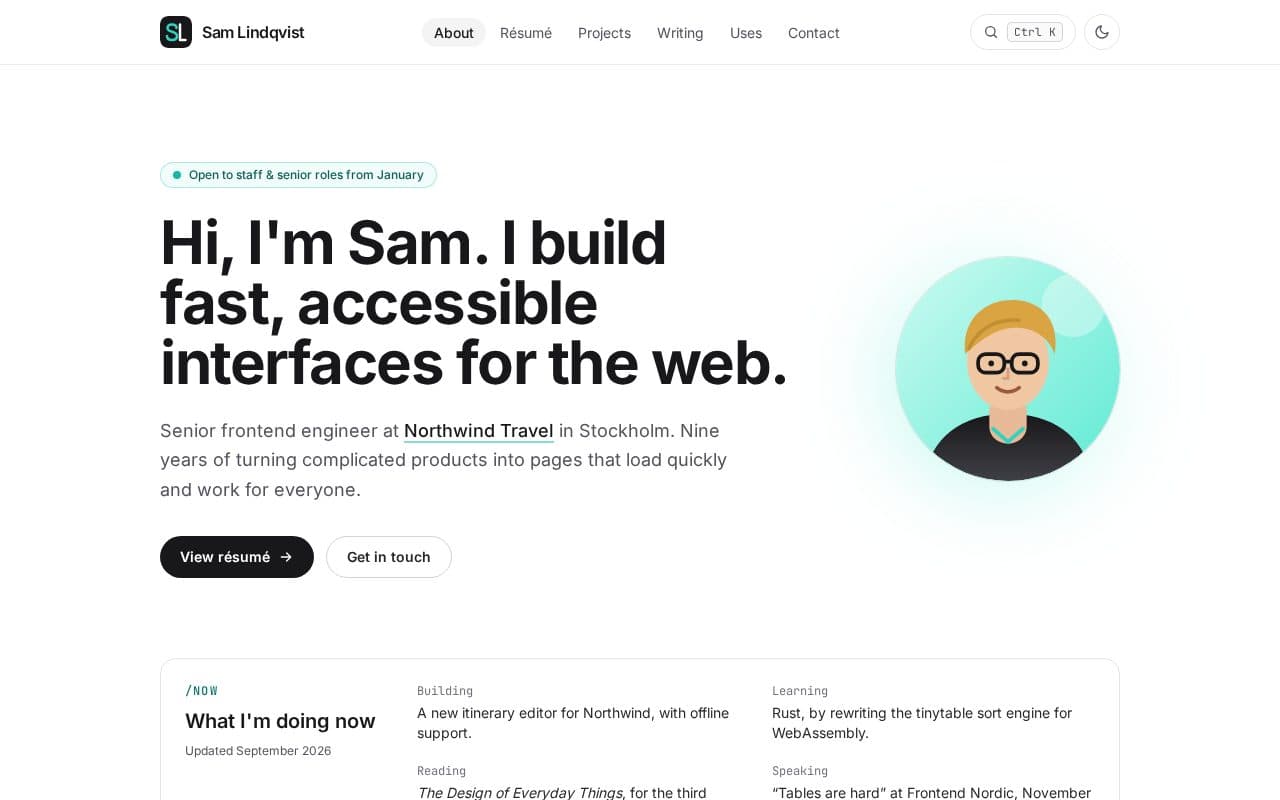
Need a site to put online? Every Freeframe template is a complete multi-page site that works on all four hosts, from Folio for portfolios to Launch for a software product. The deploying docs list the exact folder and build settings for each stack, and the website launch checklist covers what to check before you share the link.