Freeframe
Personal9 pages · 2 downloads · Free

Profile

A developer portfolio with résumé, projects, writing and a ⌘K command palette.

Stack
v1.1.7 changelog

About this template

A complete personal website for engineers and designers. It pairs a printable résumé and filterable project gallery with a writing archive, a /uses page and a validated contact form, all with persistent dark mode and keyboard-first navigation.

Features

  • Dark mode toggle that remembers your choice, with no flash on load
  • Ctrl/⌘ + K command palette to jump to any page
  • Printable résumé with a dedicated print stylesheet for a clean PDF
  • Project gallery filtered by technology
  • GitHub-style stats and contribution graph
  • Writing archive grouped by year with instant search
  • Contact form with inline validation and copy-email button
  • Accessible mobile menu, skip link and visible focus states
  • Subtle scroll-reveal animations that respect reduced motion
  • Open Graph tags and SVG favicon on every page

Pages included

Quick start

unzip profile.zip && cd profileopen index.html        # that's it # optional, after adding new Tailwind classes:npm install && npm run build
Read the Profile documentation →

Changelog

  1. v1.1.7

    Fixed

    • "Full-time roles from January 2027" on the contact page now shows the month three months from today, so it never goes stale.
  2. v1.1.6

    Fixed

    • Footer: the credit line said "Built with HTML & Tailwind CSS.", which was wrong for the other versions of the template; it now reads "Set in Inter & JetBrains Mono.", the same in every version.
  3. v1.1.5

    Changed

    • The CSS build no longer reads the documentation and metadata files (*.md, *.json), so words in the guides can no longer add unused rules to assets/css/style.css. No visible change.
  4. v1.1.4

    Fixed

    • contact.html: the comment on connecting the form pointed at an initContactForm function that doesn't exist; it now points at the submit handler in the "Contact form validation" section of assets/js/main.js.
  5. v1.1.3

    Fixed

    • Code blocks in post.html, project.html and uses.html have tabindex="0", so keyboard users can scroll them on small screens.
    • The writing search data (data-search) for "The quiet power of the <dialog> element" is plain text. It contained raw <code> markup, so searching "the <dialog>" found nothing and searching "code" matched it.
    • 404.html has <meta name="robots" content="noindex">, so the error page is not indexed.
    • A tampered stored theme (any theme value other than "dark" or "light") no longer forces light mode; it is ignored and the page follows the system setting. Following live system changes now also works with a tampered value.
  6. v1.1.2

    Added

    • Full documentation in DOCS.md.

    Fixed

    • The command palette's "Print résumé" now prints when you're already on the résumé page (it previously only changed the URL hash, which did nothing).
  7. v1.1.1

    Fixed

    • Muted labels now meet WCAG AA contrast in dark mode.
  8. v1.1.0

    Added

    • "Back to top" button on every page. It fades in after you scroll about one screen, returns to the top (instantly for visitors who prefer reduced motion), moves keyboard focus to the main content, lifts itself above toast messages, steps aside while an in-page "Back to top" link is on screen and is hidden when printing. It is styled to match the template and its dark mode.
    • data-back-to-top-avoid (lift the button above an element) and data-back-to-top-hide (hide the button while it would cover a sticky or fixed element) to keep it clear of your own UI.
    • This changelog and a version field in template.json.

    Fixed

    • Social sharing image is now a 1200×630 PNG (assets/img/og-image.png); most social sites don't display SVG. The SVG stays as the editable source.
  9. v1.0.0

    Added

    • Initial release with 9 pages: Home, Résumé, Projects, Project case study, Writing, Blog post, Uses, Contact, 404.
    • Dark mode toggle that remembers your choice, with no flash on load
    • Ctrl/⌘ + K command palette to jump to any page
    • Printable résumé with a dedicated print stylesheet for a clean PDF
    • Project gallery filtered by technology
    • GitHub-style stats and contribution graph
    • Writing archive grouped by year with instant search
    • Contact form with inline validation and copy-email button
    • Accessible mobile menu, skip link and visible focus states
    • Subtle scroll-reveal animations that respect reduced motion
    • Open Graph tags and SVG favicon on every page

More templates

Chapter website template preview

Chapter

Personal

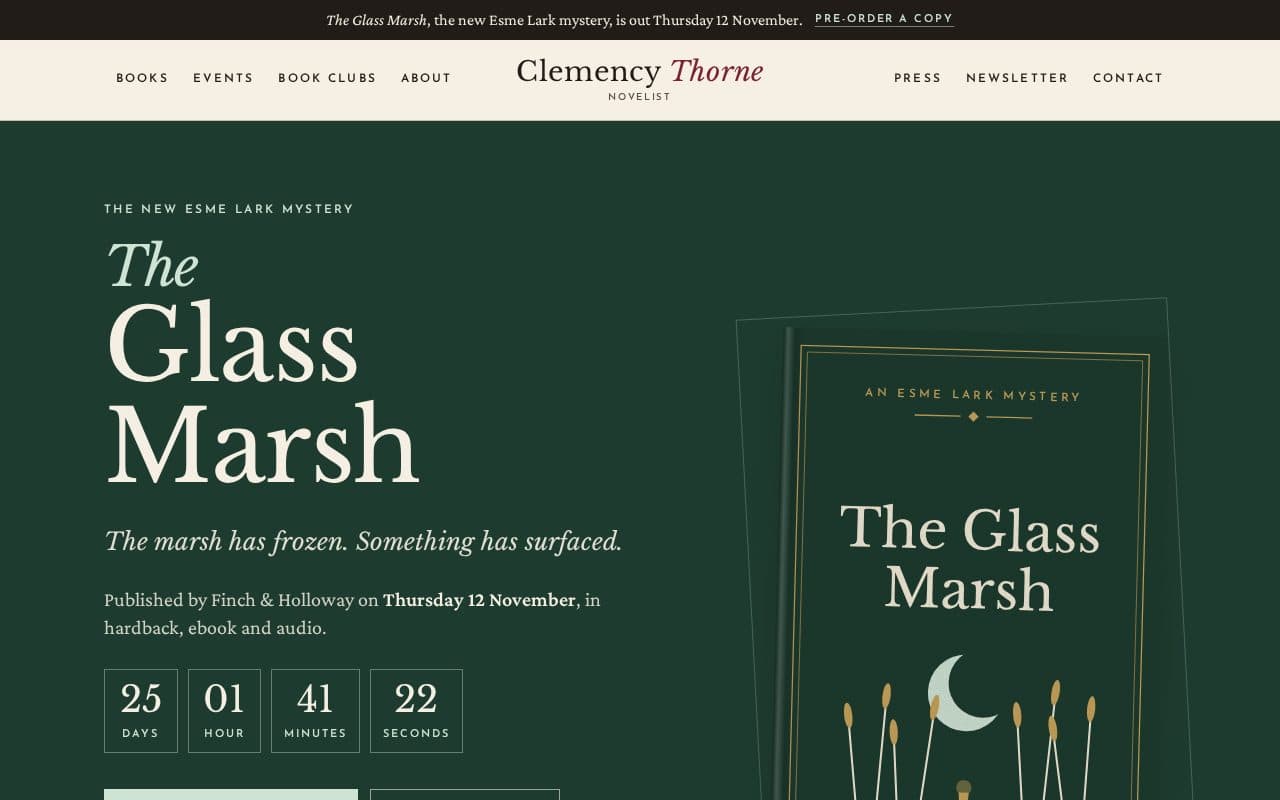
A literary author website for a novelist, set like a book jacket, with a first-chapter reader, rolling tour dates and book club guides.

HTML + Tailwind

10 pages · 215 KB

Documentation