How to Connect a Custom Domain to Your Website
Point your own domain at Netlify, Vercel, Cloudflare Pages or GitHub Pages. DNS records explained, apex vs www, HTTPS and fixes for common problems.
· 8 min read
Connecting a custom domain takes two halves: you tell your host which domain the site should answer to, and you add one or two DNS records where your domain is managed so that the domain points at the host. The work itself takes about ten minutes. The wait for DNS to update is usually minutes, occasionally a few hours, and HTTPS is switched on automatically once it does. This guide covers buying a domain, the DNS you need to know, exact steps for Netlify, Vercel, Cloudflare Pages and GitHub Pages, and what to check when it doesn't work.
Buying a domain#
You buy a domain from a registrar: Cloudflare Registrar, Namecheap, Porkbun, Squarespace Domains, GoDaddy and many others, or through your host (Netlify and Vercel both sell domains). Wherever you buy it:
- Compare renewal prices, not just the first-year price. Turn on auto-renew so it can't lapse.
- Use an email address you'll always control for the account. Losing access to it is the most common way people lose a domain.
- Turn on two-factor authentication on the registrar account.
- WHOIS privacy is included free at most registrars now; make sure it's on.
The registrar is also usually your DNS provider: the service where you edit records. You can move DNS elsewhere (for example to Cloudflare or your host) by changing the domain's nameservers, but you don't have to.
DNS in five minutes#
DNS turns a name such as example.com into the address of a server. You only need four ideas.
Apex vs www. The apex (or root) domain is example.com with nothing in front. www.example.com is a
subdomain. They're separate names, so each needs its own record, and your site should pick one as the main
address and redirect the other to it.
A record. Points a name at an IPv4 address, such as 75.2.60.5. Used for the apex domain. (An
AAAA record does the same for IPv6.)
CNAME record. Points a name at another name, such as my-site.netlify.app. Used for www and other
subdomains. The DNS rules don't allow a CNAME on the apex, which is why the apex usually gets an A record.
ALIAS, ANAME or CNAME flattening. Some DNS providers offer a CNAME-like record that is allowed on the apex. If your provider has one, hosts generally prefer it to a fixed IP address.
In most DNS panels, the "Host" or "Name" field for the apex is @ (or left blank), and for www it's just
www. Don't type the full domain unless the panel asks for it, or you can end up with
www.example.com.example.com.
Before you add new records, delete any existing A, AAAA or CNAME records for the same name, such as a registrar's "parked page" record. Two conflicting records are the most common reason a domain won't connect. Leave MX and TXT records alone: they handle your email and verification.
The general order#
For every host the steps go the same way:
- Add the domain in your host's dashboard first. This stops anyone else claiming it on that host.
- Copy the DNS records the host shows you.
- Add them at your DNS provider.
- Wait for the host to verify the domain and issue an HTTPS certificate.
- Set your preferred version (www or apex) and check the other one redirects.
Netlify#
- Open your project in Netlify, go to Domain management and add your domain under Production domains.
- If you add
example.comorwww.example.com, Netlify adds both. Select Pending DNS verification next to the domain to see the exact records for your project. - At your DNS provider, add the records. At the time of writing, Netlify's docs give these:
| Name | Type | Value |
|---|---|---|
@ |
ALIAS, ANAME or flattened CNAME (preferred) | apex-loadbalancer.netlify.com |
@ |
A (if your provider has no ALIAS) | 75.2.60.5 |
www |
CNAME | your-site-name.netlify.app |
- Once the records resolve, Netlify provisions a free Let's Encrypt certificate. Check its status under Domain management, HTTPS.
Netlify can also host your DNS for you (Netlify DNS) if you change the domain's nameservers to theirs. That's optional; the records above work with any provider.
Vercel#
- Open the project, then Settings and Domains, and select Add Domain.
- Enter your domain. If you add the apex, Vercel offers to add
wwwtoo, with one redirecting to the other. Accept it. - Vercel shows the records your project needs. Use the values on that screen, because they can differ
between projects. At the time of writing, Vercel's guide
says most projects use
76.76.21.21for the apex A record, and newer projects may be given a different address. Subdomains get a project-specific CNAME target, for example something ending invercel-dns-017.com.
| Name | Type | Value |
|---|---|---|
@ |
A | The IP shown in your project's Domains settings |
www |
CNAME | The CNAME target shown in your project's Domains settings |
- When the domain shows a valid configuration, Vercel issues the certificate automatically.
Alternatively, Vercel can manage all your DNS if you switch nameservers to Vercel's. Copy your existing email (MX) and TXT records across first, or email will stop working.
Cloudflare Pages#
Cloudflare treats apex domains and subdomains differently:
- Apex domain (
example.com): the domain must be added to Cloudflare as a zone, which means changing its nameservers to the two Cloudflare gives you. Cloudflare then creates the record for you. - Subdomain (
www.example.com): can stay at any DNS provider with a CNAME record.
Steps:
- In the Cloudflare dashboard, open Workers & Pages, select your project and go to Custom domains.
- Select Set up a domain, enter the domain and continue.
- If the domain is already on Cloudflare, confirm the DNS record it proposes and you're done. Otherwise, for a subdomain, add a CNAME at your DNS provider:
| Name | Type | Value |
|---|---|---|
www |
CNAME | your-project.pages.dev |
Do this step after adding the domain in the Pages dashboard. Cloudflare warns that adding the CNAME first leaves the domain failing to resolve with a 522 error.
If you move the whole domain to Cloudflare's nameservers, Cloudflare scans and imports your existing records. Check that your MX and TXT records came across before you switch.
GitHub Pages#
- In the repository, open Settings, then Pages.
- Under Custom domain, enter your domain and select Save. When you publish from a branch, this
commits a
CNAMEfile to it; don't delete that file. - At your DNS provider, add the records. At the time of writing, GitHub's docs give four A records for the apex:
| Name | Type | Value |
|---|---|---|
@ |
A | 185.199.108.153 |
@ |
A | 185.199.109.153 |
@ |
A | 185.199.110.153 |
@ |
A | 185.199.111.153 |
www |
CNAME | your-username.github.io |
Optionally add the matching AAAA records for IPv6: 2606:50c0:8000::153, 2606:50c0:8001::153,
2606:50c0:8002::153 and 2606:50c0:8003::153. The CNAME points to your-username.github.io without the
repository name.
- Once DNS resolves, tick Enforce HTTPS in the same settings page. It can take up to 24 hours before the option becomes available.
GitHub also recommends verifying your domain
in your account settings, and advises against wildcard records such as *.example.com, which can let
someone else take over unused subdomains.
HTTPS#
All four hosts issue free certificates automatically once your DNS points at them; you don't buy or upload anything. A few things can block it:
- The DNS isn't pointing at the host yet. The certificate can't be issued until it is. Wait, then retry from the host's dashboard.
- A CAA record at your DNS provider that doesn't allow the host's certificate authority (often Let's Encrypt). If you have CAA records, add one for the authority your host uses, or remove them.
- Cloudflare's proxy in front of another host. If your DNS is on Cloudflare but your site is on Netlify, Vercel or GitHub Pages, set the record to DNS only (grey cloud) while the certificate is issued.
After HTTPS works, check that http:// redirects to https:// and that both www and the apex end up on
the same address.
Propagation: how long does it take?#
DNS records are cached for the record's TTL (time to live), so changes reach different networks at different times. A new record usually works within minutes. Changing an existing record or switching nameservers can take hours; GitHub and Netlify both say to allow up to 24 hours.
Check progress rather than guessing:
dig example.com +short
dig www.example.com +short
On Windows, use nslookup example.com. Online tools such as whatsmydns.net show what DNS servers around the
world see. If those show the right values but your browser doesn't, it's your own cache: try a private
window or another device.
Tip: if you're about to move a live site, lower the TTL of the existing records to 300 seconds a day before, so the switch is picked up quickly.
Troubleshooting#
"Invalid configuration" or "DNS verification pending". Compare the records at your DNS provider with the host's dashboard character by character. Look for a leftover parked-page A record, a CNAME with the domain typed twice, or records added at the old DNS provider after you changed nameservers.
The apex works but www doesn't (or the reverse). Each needs its own record, and both must be added in the host's dashboard. Add the missing one and set the redirect.
Certificate errors ("Your connection is not private"). The certificate hasn't been issued yet, a CAA record is blocking it, or a proxy is in the way. See HTTPS above.
Email stopped working. You probably changed nameservers without copying your MX records. Add them at the new DNS provider from your email provider's setup page.
Changes not showing. Check you edited DNS where the domain's nameservers actually point. dig NS example.com +short tells you which provider is in charge.
FAQ#
Should I use www or the bare domain?#
Either works. The bare domain is shorter to say; www is easier to point with a CNAME and is what Vercel recommends. Pick one, redirect the other and use the same one in your site's canonical tags and sitemap.
Can I move hosts later without losing my domain?#
Yes. The domain belongs to you at the registrar. Moving hosts means changing the A and CNAME records to the new host's values.
Do I need to update anything on my site?#
Update any absolute URLs to the new domain: canonical links, the sitemap, and social sharing image URLs. The SEO docs list where these live in Freeframe templates.
Next steps#
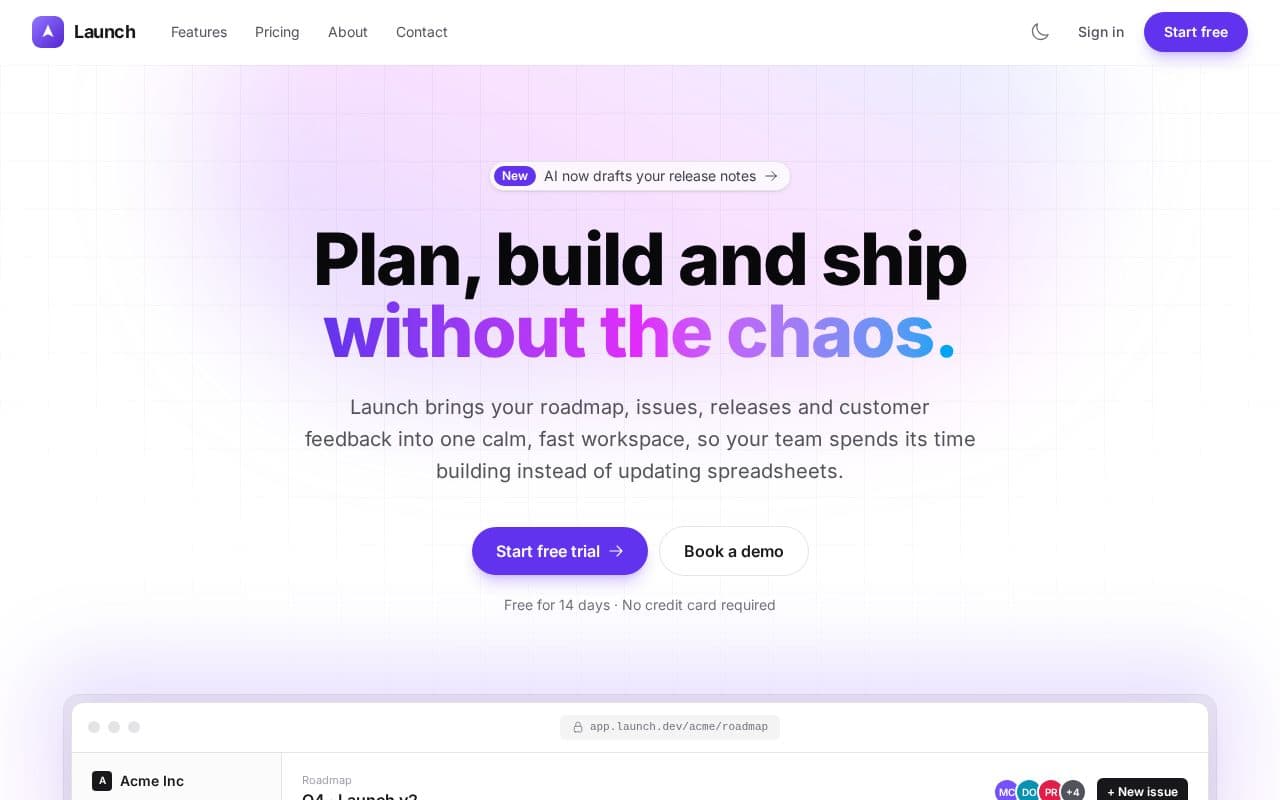
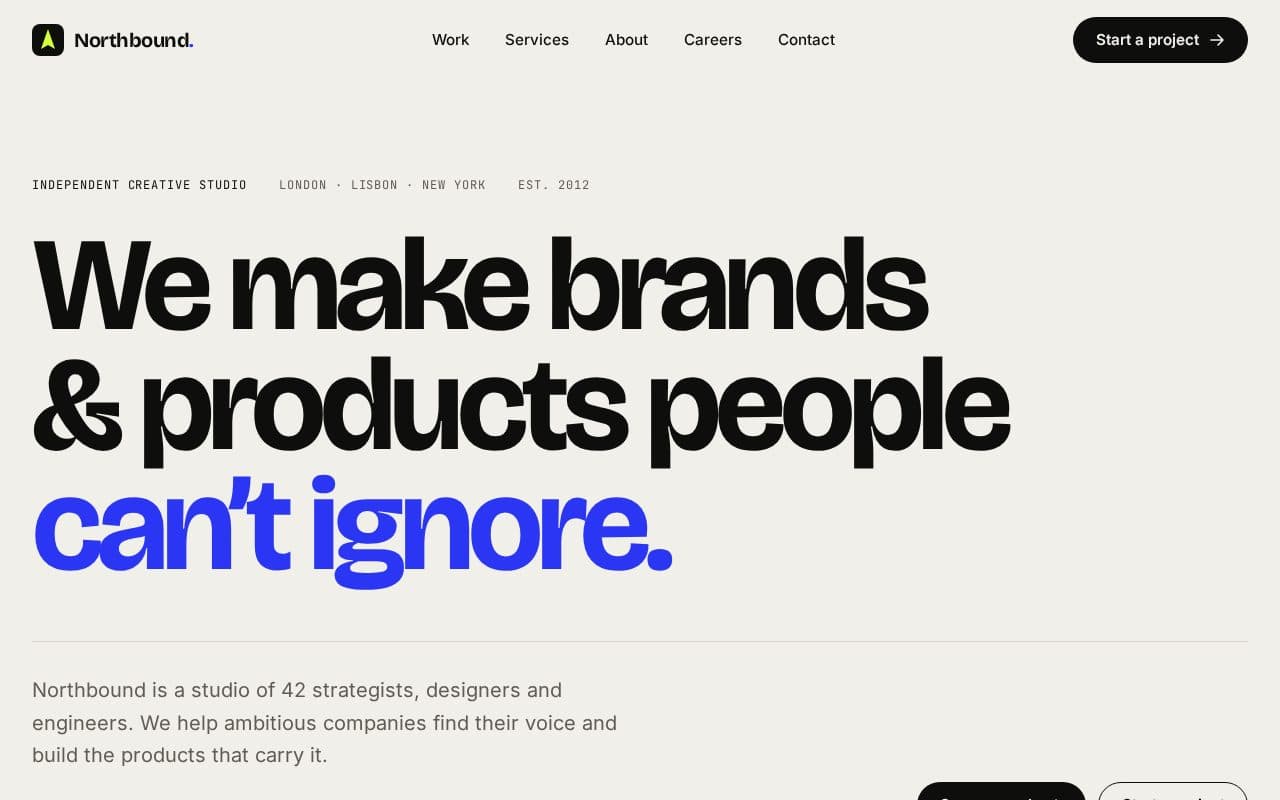
If your site isn't online yet, how to host a static website for free gets it there first, and the deploying docs cover each stack. Then work through the website launch checklist. Looking for a site to put on your new domain? Browse the templates, such as Launch for a product or Folio for a portfolio.